Embark on the humorous yet unpredictable journey of DIY computer upgrades, where tangled wires, compatibility surprises, and minor mishaps turn a simple task into a memorable adventure. While enthusiasts eagerly customize their machines for better performance and a sense of control, they often find themselves navigating a chaos of cables, dropping screws, and overlooked details—each misstep transforming frustration into laughter and learning. The chaos is real, but it also fosters patience, problem-solving skills, and community bonds as builders share their stories of triumph and blunders. Looking ahead, the future promises more modular components, smarter troubleshooting tools, and user-friendly designs that aim to reduce the mess and make upgrades more accessible and enjoyable. Are you ready to embrace the chaos and make your tech truly your own? This journey reminds us that even in the mess, there’s a rewarding sense of achievement waiting to be discovered.

Embark on Your DIY Computer Upgrade Adventure: A Blend of Excitement and Chaos
Upgrading your computer on your own can feel like stepping into a wild world of possibilities—and a fair share of chaos. It’s a common dream for tech enthusiasts and curious beginners alike: the idea of customizing your machine to boost speed, add storage, or just make it feel more personal. The process often starts with good intentions, like watching a few tutorials, picking out parts, and diving in with enthusiasm. But reality has a way of quickly setting in. Before long, you’re tangled in a web of cables, flipping through manuals that seem to be written in another language, and questioning whether you really know what you’re doing.
Many people find that the appeal of DIY upgrades is rooted in the feeling of control. Instead of replacing their entire machine every few years, they see value in extending its life and tailoring it to their needs—whether for gaming, creative projects, or just faster browsing. The promise is simple: with some research and effort, you can upgrade components to keep up with new software and demands. Plus, the satisfaction of doing it yourself adds a layer of pride, making the whole process feel more like a personal achievement than just a task.
However, what looks straightforward on paper can turn into a comedy of errors. Hardware compatibility issues are a common stumbling block—assuming that a new graphics card will fit in your case or that your motherboard supports your latest RAM isn’t always accurate. Sometimes, parts don’t fit, or your power supply isn’t quite up to the task, leading to frustrating troubleshooting sessions. It’s also easy to underestimate how many wires and cables are involved. Once you start connecting everything, the workspace quickly turns into a spaghetti mess, making it difficult to keep track of what goes where.
Despite these challenges, the process offers a rewarding sense of achievement. There’s something satisfying about taking your time, figuring things out, and finally seeing your machine boot up with the new upgrade. It’s a hands-on experience that teaches patience, problem-solving, and humility. For many, these moments of triumph—after battling tangled cables or compatibility issues—make the chaos worth it. It’s a reminder that, even in the mess, there’s a certain joy in taking control of your tech and making it your own.
All these experiences—smooth or chaotic—become part of your DIY upgrade story. They add humor, lessons, and a sense of progress. While the journey can feel overwhelming at times, it’s also a chance to learn more about hardware and develop troubleshooting skills. When your upgraded machine finally hums with life, that feeling of accomplishment makes every misstep and messy cable worth it. Ultimately, it’s about taking ownership of your technology and enjoying the process, chaos and all.
Hilarious and Unexpected Challenges in DIY Tech Upgrades
Trying to upgrade a computer yourself often feels like stepping into a comedy of errors. Just when you think you have everything under control, something unexpected pops up—like a graphics card that refuses to fit into the slot or a power supply that suddenly doesn’t seem powerful enough. It’s common to find yourself stuck in a loop of troubleshooting, swapping parts, and reassembling, only to discover overlooked compatibility issues. These surprises turn what should be a straightforward task into a frustrating, often humorous game of trial and error.
Hardware compatibility is one of the biggest headaches. It’s tempting to assume that the latest graphics card or RAM will slide right in, but that’s rarely the case. Sometimes, your shiny new component doesn’t fit your case or your motherboard isn’t compatible with the RAM’s speed or type. These mismatches lead to wasted trips to the store or hours of scratching your head, transforming the upgrade into a complex puzzle that keeps shifting. The unpredictability is part of the chaos, and it’s what keeps the process both challenging and memorable.
Then there are the tangled cables. As you connect new drives, cooling fans, and power supplies, wires multiply and knot into a spaghetti mess. This chaos isn’t just messy—it can turn troubleshooting into a nightmare. Identifying which cable goes where becomes a game of patience, especially when they’re unlabeled or hidden behind other parts. Many realize early on that organizing and labeling cables before starting can save hours of frustration later, but it’s a step often skipped until chaos is in full swing.
Mishaps are also part of the journey. Tiny screws drop into the depths of the case, vanishing before you can fish them out, forcing frantic searches with magnets or tweezers. Someone once installed a new GPU only to find the monitor remains blank—only to realize they forgot to remove the plastic film still covering the card. Thermal paste spills, screws get dropped, and hurried reseats sometimes cause accidental damage. These moments are exasperating at the time but often become stories of chaos turned comic relief.
Despite the setbacks, many find humor and pride in these mishaps. They’re badges of honor, symbols of the learning process. These unpredictable moments teach patience, attention to detail, and the importance of staying calm under pressure. They remind us that even seasoned DIY builders face surprises, and that mistakes are part of building confidence and skill. The chaos, after all, makes the eventual success all the sweeter.
Most importantly, these stories forge a sense of community. Sharing tales of tangled wires, hardware mishaps, and triumphs helps newcomers feel less alone. Over time, what once seemed chaotic becomes familiar, and troubleshooting turns into a routine. The process of navigating the chaos builds resilience and patience, turning every frustration into a lesson learned. In the end, the chaos isn’t just an obstacle—it’s part of the journey that makes upgrading your PC a memorable, rewarding adventure.
Mastering the Art of Organized and Calm DIY Upgrades
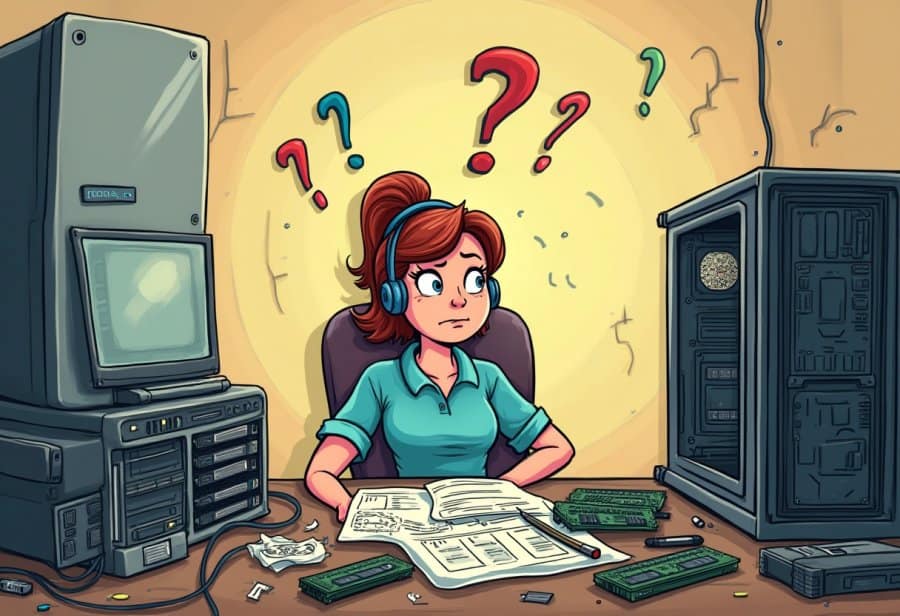
Starting a DIY computer upgrade can feel overwhelming, but breaking the process into clear, manageable steps makes a big difference. Begin by researching your components thoroughly to ensure compatibility. Check your motherboard’s socket type, RAM specifications, and power supply capacity before making any purchases. Watching tutorials or reading reviews can help you spot potential pitfalls and avoid buying parts that won’t work together. Once you’re confident about your choices, set up a clean, organized workspace. Clearing clutter and laying out tools and small parts in labeled containers will save you from losing screws or mixing up cables later.
As you start the upgrade, follow a systematic plan. Disconnect the power and ground yourself to prevent static shocks. Carefully remove old components, taking your time to avoid damage. Install new parts with patience, making sure each piece is properly seated and connected. Keep a checklist of potential issues—like loose cables or improperly installed RAM—to troubleshoot quickly if something seems off. Taking short breaks between steps can help prevent mistakes caused by fatigue. Rushing only increases the risk of turning a straightforward upgrade into a frustrating mess.
Preparation is key to managing chaos. Gather all necessary tools—screwdrivers, thermal paste, cable ties—and keep them within easy reach. Consult specific guides for your hardware, and keep a manual or online resource nearby for quick reference. Organizing cables with labels or color coding makes reconnecting everything easier later. Spending a little extra time upfront setting up your workspace reduces stress and saves hours during reassembly and troubleshooting. When everything is well-prepared, what might appear chaotic can become a smooth, step-by-step process.
Throughout the upgrade, stay calm and patient. If you encounter a snag—such as a system that won’t power on or a component that refuses to fit—pause and retrace your steps. Double-check all connections, ensure parts are properly seated, and verify compatibility. Document each step as you go, noting what’s connected or adjusted, so troubleshooting becomes a systematic process rather than chaos. Keeping a steady mindset helps you approach problems logically, preventing frustration from snowballing.
Once the upgrade is complete, test your system thoroughly. Power it on, run diagnostic tools, and confirm that all components are recognized and functioning correctly. Sometimes, a BIOS update or a simple reboot can resolve lingering issues. Staying organized and calm during this phase helps ensure everything runs smoothly. Most problems are straightforward to fix if approached systematically. Reflecting on the process, you’ll notice how planning and patience turn a potentially chaotic experience into a rewarding achievement.
Remember, setbacks are common but part of the learning curve. Whether it’s tangled cables, dropped screws, or compatibility surprises, each mishap teaches patience and attention to detail. These moments of chaos often become stories you’ll laugh about later, reinforcing your growing confidence as a builder. Over time, what once felt overwhelming will become second nature, and troubleshooting will feel less like chaos and more like a puzzle you know how to solve.
By approaching your upgrade with preparation, patience, and a clear plan, you transform chaos into control. Each successful step builds your skills and confidence, making future upgrades easier and less stressful. Embrace the mess, learn from the mishaps, and enjoy the journey of making your tech truly your own. With time and practice, navigating the chaos of DIY upgrades becomes not just manageable but genuinely satisfying.
Real Stories of Mistakes, Mishaps, and Lessons Learned
Many who have taken on a DIY upgrade have their own memorable stories that stick with them. One common tale is spending hours installing a new graphics card only to realize they forgot to remove the plastic film still covering the GPU. Watching the screen stay blank, they start questioning whether the card itself is faulty—only to discover the obvious oversight. These moments can be frustrating in the moment, but they often become funny stories shared later, highlighting just how easy it is to overlook small details amid the chaos.
Another frequent mishap involves thermal paste. Someone once applied too much, spilling it over the motherboard in a rush to cool their CPU. The cleanup was a delicate process, involving tweezers and cleaning supplies, but it taught them to double-check each step next time. Dropped screws are equally common—disappearing into the depths of the case and prompting frantic searches with magnets or tweezers. These minor disasters turn into stories of chaos turned comedy, once everything is back up and running.
There are also stories of hurried mistakes that lead to hardware damage. One builder tried to reseat a GPU too quickly and accidentally knocked over a glass of water nearby, causing a mini flood inside the case. Powering down immediately and carefully drying out the components became a nerve-wracking experience. Such incidents show how even small slips can escalate into bigger problems but also serve as lessons in patience and careful handling. These moments remind builders to respect their hardware and approach each step with calm focus.
Many enthusiasts remember tangled cables or misconnected wires as part of their journey. After hours of troubleshooting, they finally realize they forgot to plug in a crucial power connector. That moment of clarity, after swearing and double-checking everything, often feels like a small victory. These experiences underscore the importance of cable management and attention to detail, which can save hours of frustration later.
Despite all the setbacks, most DIY builders see their mistakes as badges of honor. They become part of the story—proof that they’re learning and growing. These chaotic moments teach patience, precision, and resilience. When shared with others, they foster a sense of community and reassurance, showing that even experienced builders face surprises. In the end, these stories make the successful upgrade all the sweeter, turning chaos into a memorable adventure and a testament to perseverance.
Gazing Into the Future: Smarter, Easier, and Community-Driven Upgrades
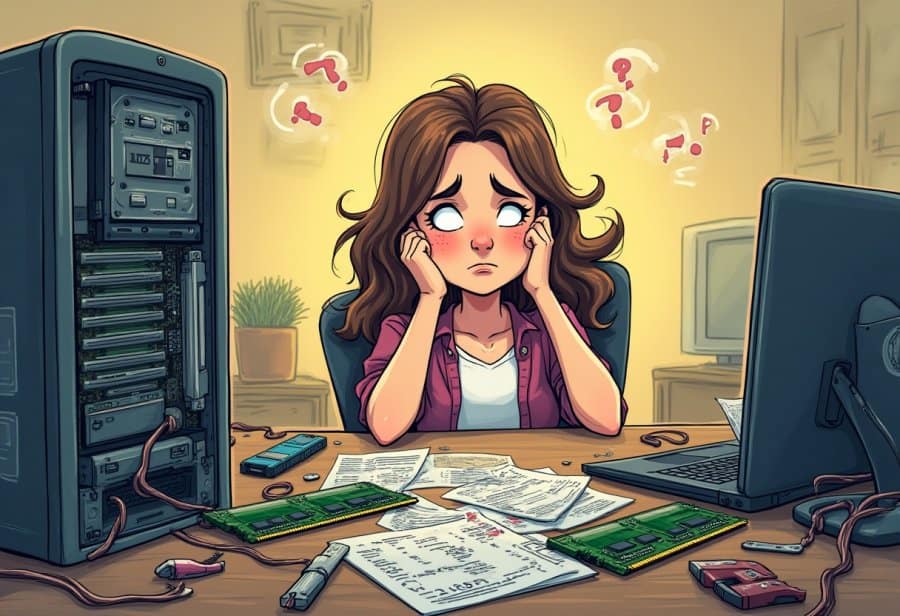
The future of DIY computer upgrades is shaping up to be more streamlined and accessible than ever before. Modular components are becoming the norm, allowing builders to swap out parts quickly and with less fuss. This plug-and-play approach reduces the chaos of tangled cables and compatibility headaches, making upgrades feel less like a puzzle and more like a straightforward task. As a result, even newcomers can approach upgrades with confidence, knowing that the process is evolving to be more user-friendly.
At the same time, automation and smart diagnostics are transforming how we troubleshoot and optimize our systems. New software solutions can now identify hardware issues, suggest fixes, and guide users step-by-step through upgrades. This shift means less time spent guessing what’s wrong and more time enjoying the benefits of a faster, more capable machine. It’s turning what used to be a trial-and-error ordeal into a smoother, more predictable experience that encourages ongoing tinkering and learning.
Community-driven platforms continue to play a vital role in shaping the future of DIY upgrades. Online forums, social media groups, and open-source resources foster a sharing culture where enthusiasts exchange tips, troubleshooting tricks, and success stories. This collective knowledge base helps newcomers avoid common pitfalls and accelerates the learning curve. The collaborative spirit makes the process less intimidating and more inspiring, turning isolated efforts into a shared journey of discovery and improvement.
Innovations in hardware design are also making upgrades easier and cleaner. Cases with better cable management, tools designed specifically for ease of installation, and components that are more intuitive to handle are reducing the chaos associated with traditional builds. These improvements encourage people to experiment without the fear of creating a spaghetti of wires or damaging delicate parts. As hardware continues to evolve toward more modular and accessible formats, DIY upgrades will become faster, safer, and more satisfying.
Finally, advances in interface design and educational resources are making the upgrade process more approachable for everyone. User-friendly BIOS interfaces, augmented reality guides, and virtual tutorials help demystify complex procedures. These innovations lower the barrier for beginners and empower more people to take control of their systems. As a result, DIY upgrades are poised to become not just a hobby for tech-savvy enthusiasts but a common practice among everyday users who want to keep their machines current and personalized. The chaos of the past is giving way to a future where upgrading your PC is less about frustration and more about fun and confidence.
